Compatible with
OBS & Streamlabs


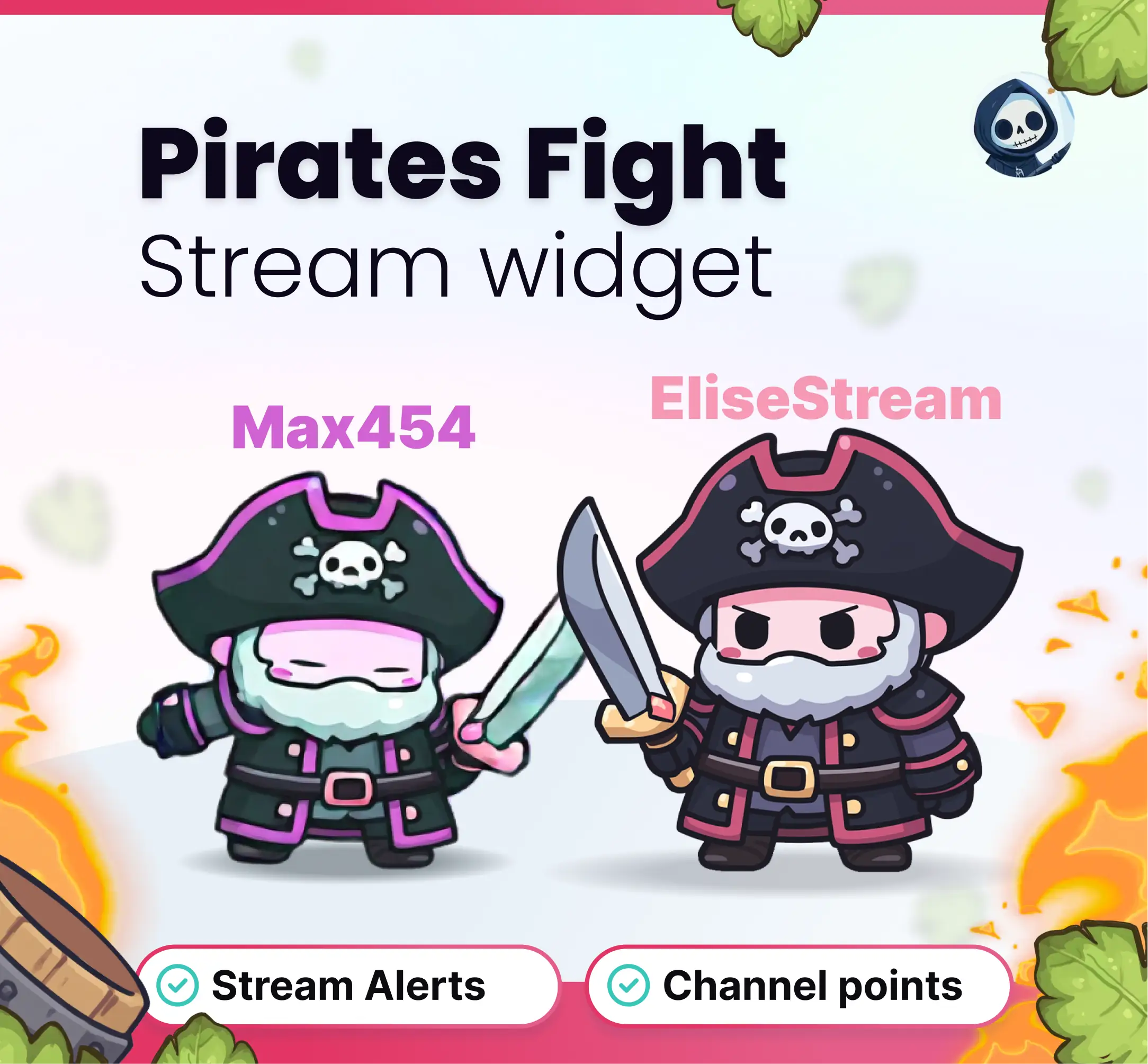
Animated characters appear on your stream. Triggered by commands, alerts, and channel points.
Commands
-
Size
-
Platforms
-
Compatible with
OBS & Streamlabs
Easy to install
Setup guide included
View setup guidesWorks on
Twitch & YouTube


Everything you need to know before you buy.
🩷Use the !spawn command to make a cute character appear on your stream.
By default, everyone can use this command.
🕺🏽Your character will move randomly across the bottom of your screen, cycling through various actions.
👋There are 7 characters available. If you want to spawn a specific character, just type the command followed by the character’s name. for example, !spawn Aya.
👉You can interact with your character using the commands !love, !hi, !pizza, !cry.
👨🏻💻Fully compatible with Streamlabs, OBS, and Lightstream. Plus, it works with any streaming software that allows "Browser" Sources!
💻Your character will stay on screen as long as you're active in chat. After your last message, it will disappear after 30 minutes.
🎛️CUSTOMIZE:
--✅Character size: Adjust how big or small the characters appear.
--✅Trigger conditions: Choose between chat commands or Channel Points.
--✅User permissions: Restrict usage to Mods, Subs, VIPs, etc.
--✅Custom command name: Change the !spawn command to anything you like.
--✅On-screen duration: Set how long characters stay on screen before disappearing.
--✅Character names: Customize the names of the individual characters.
--✅Character limit: Set the maximum number of characters allowed on screen at once.
--✅Toggle name tags: Enable or disable the display of usernames above the characters.